

How to enable price for different options?
This guide walks you through the steps to enable pricing for different options for Blinds, Shutters and Curtains.
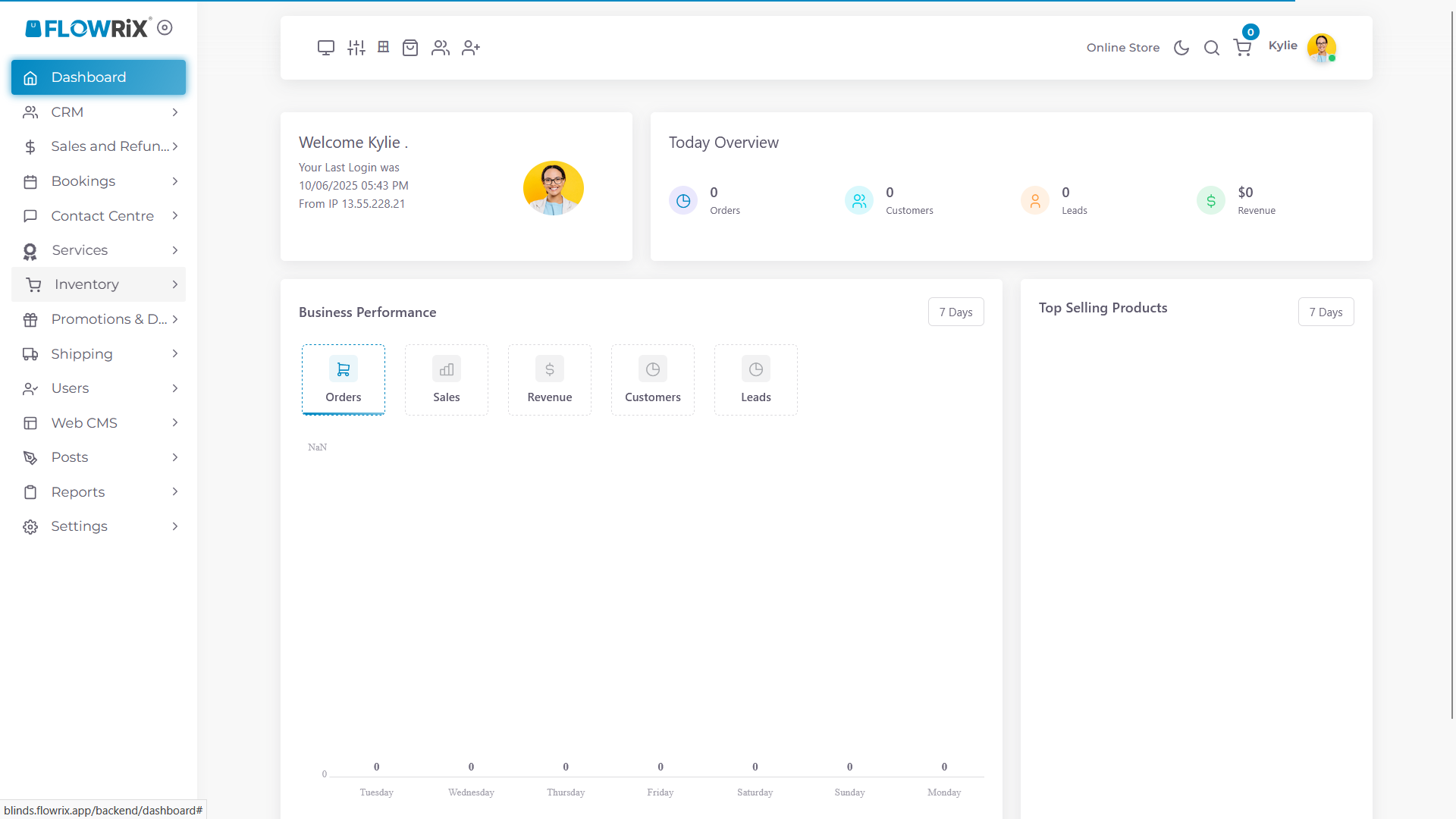
Click on Inventory
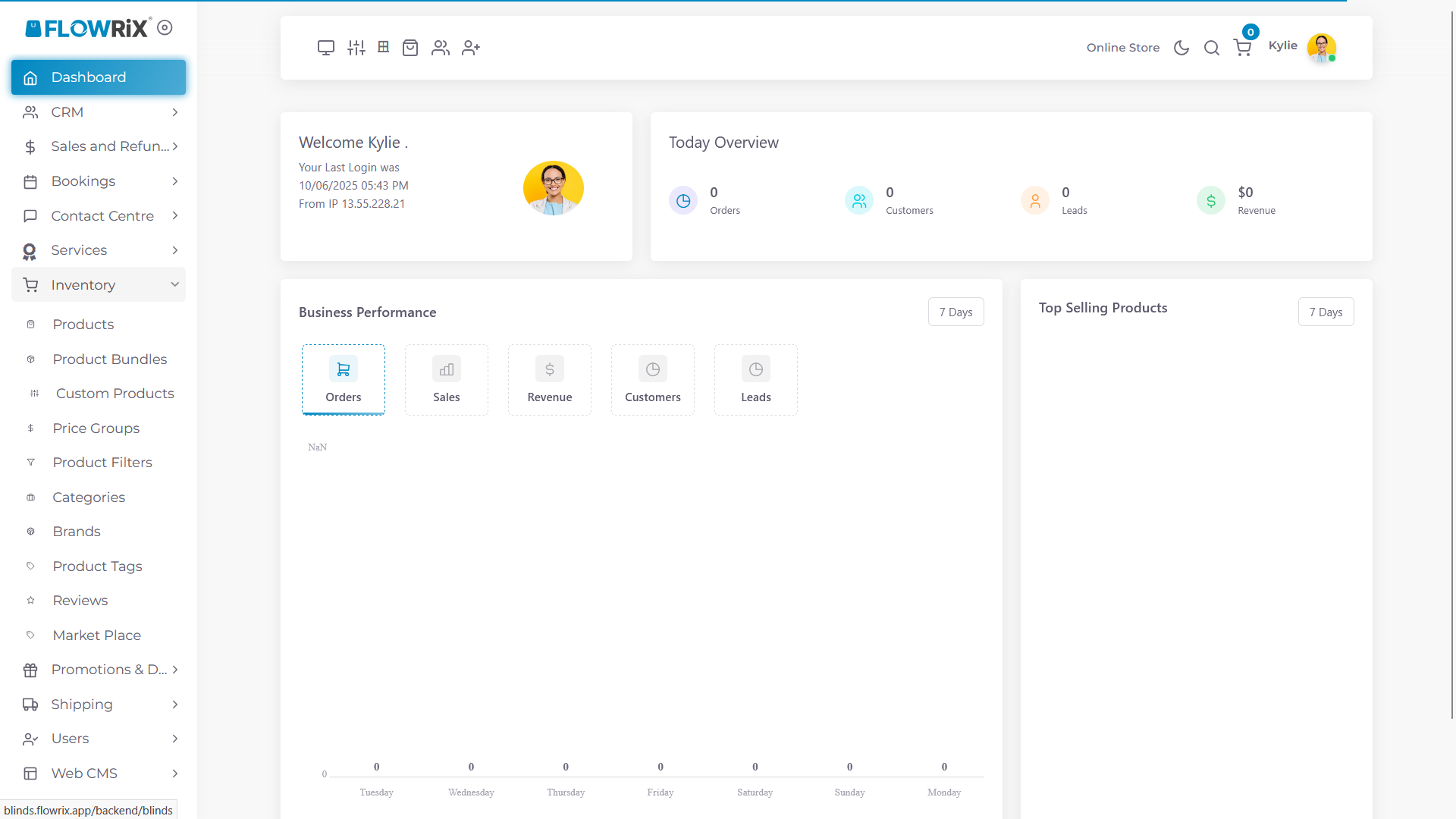
Click on Custom Products
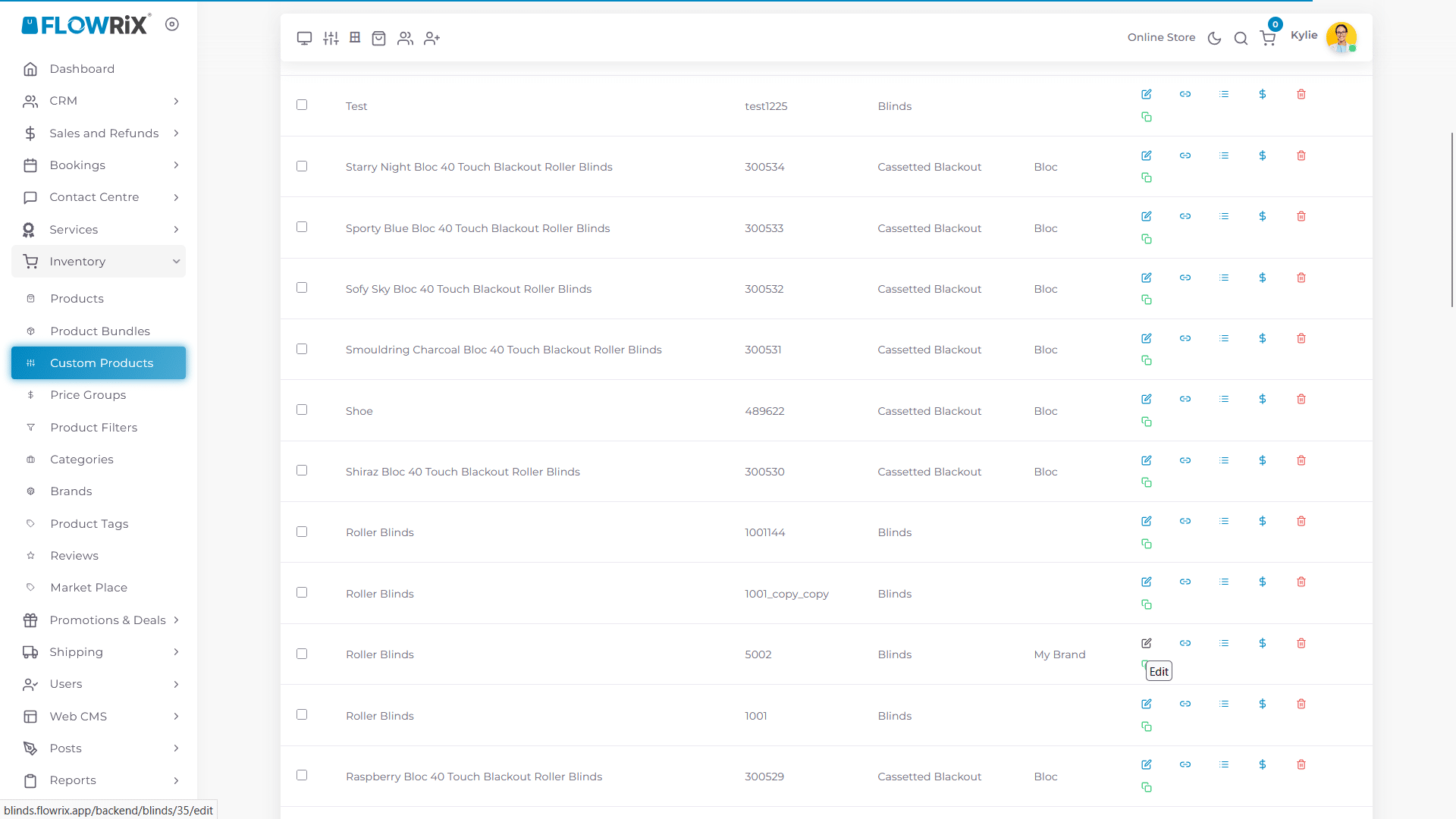
Edit Roller Blinds
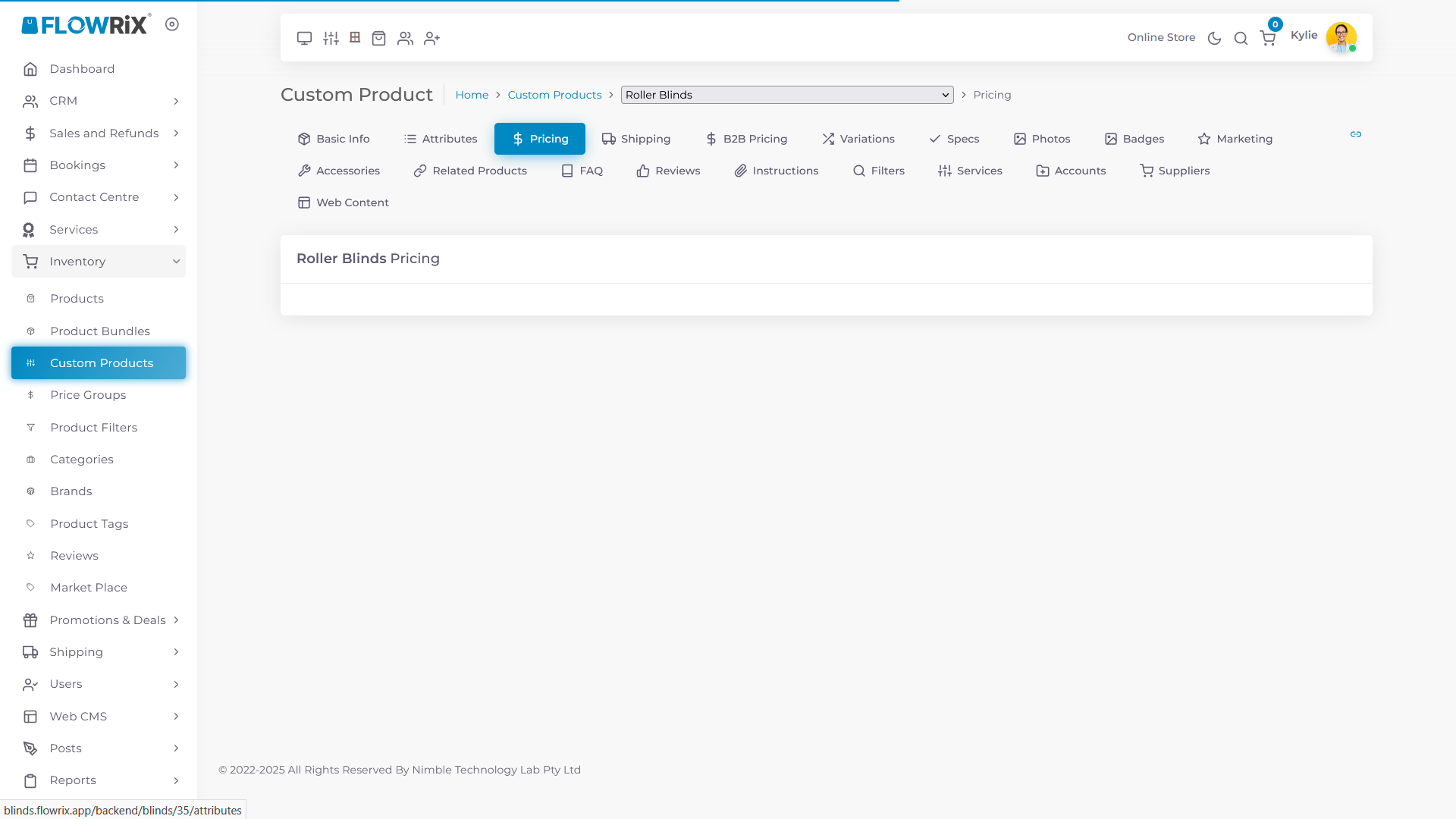
Click on Pricing tab, as you can see there aren't any attributes in this section.
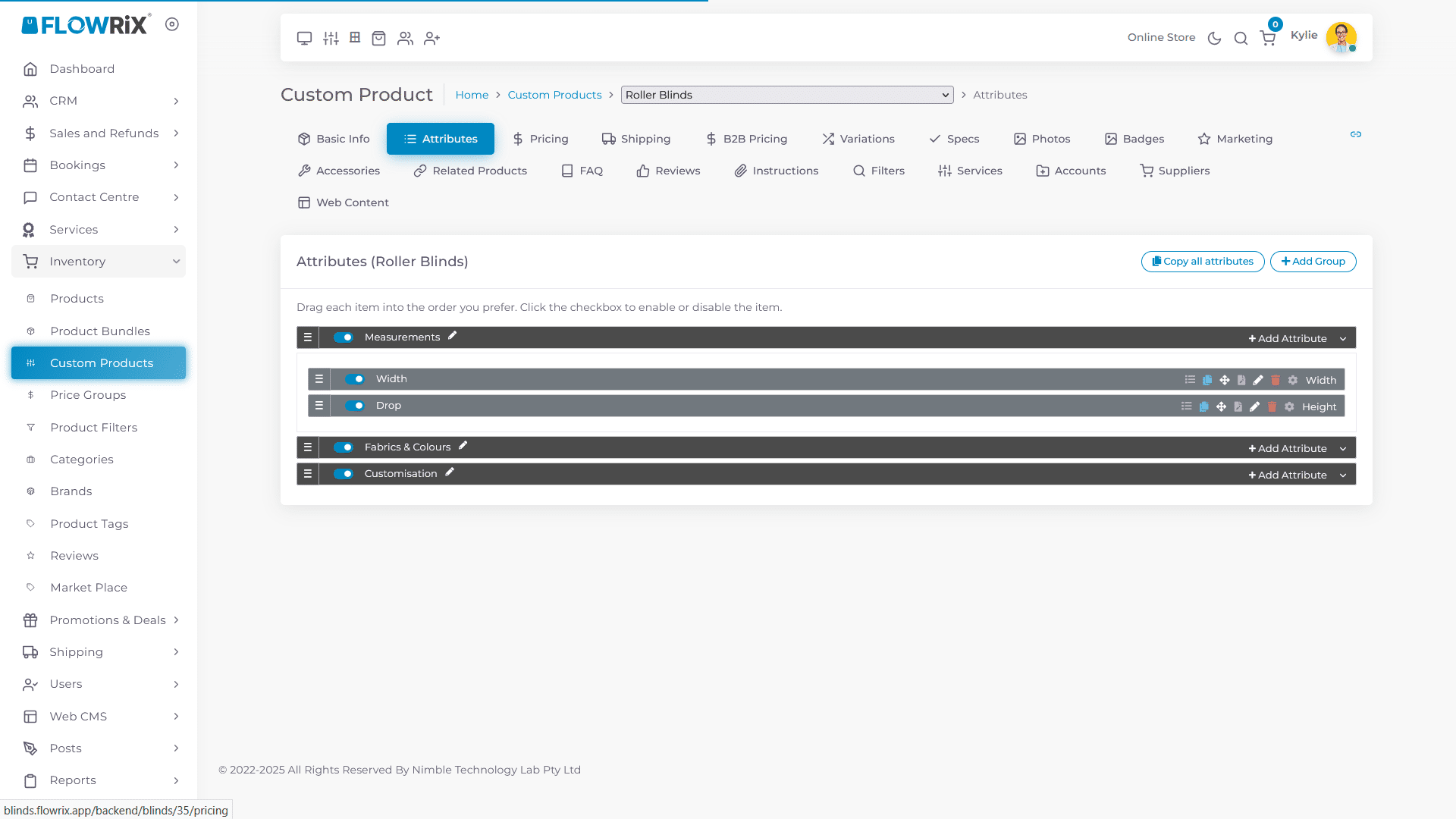
Click on Attribute tab
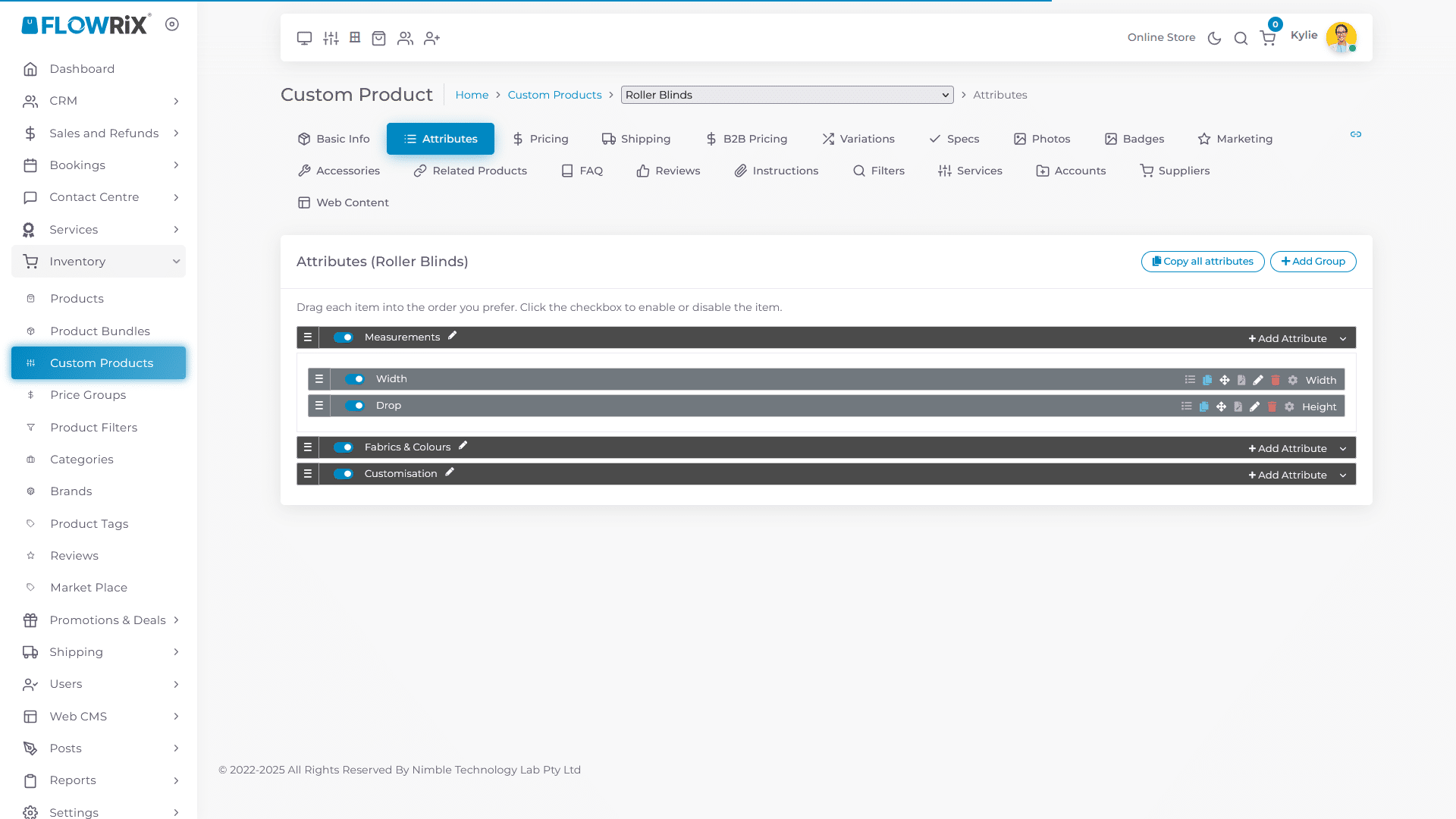
Click on Fabric & Colours Group to expand.
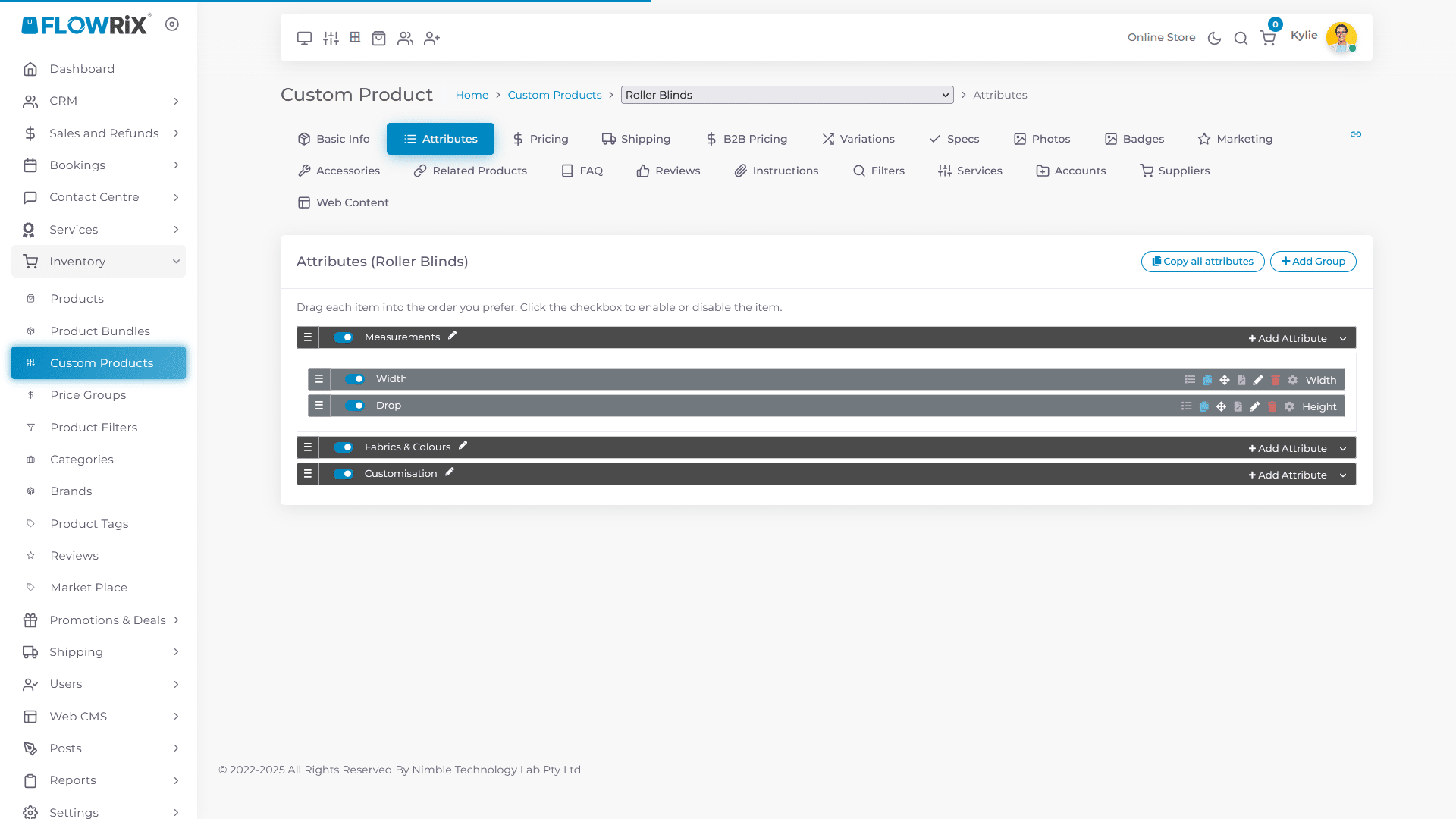
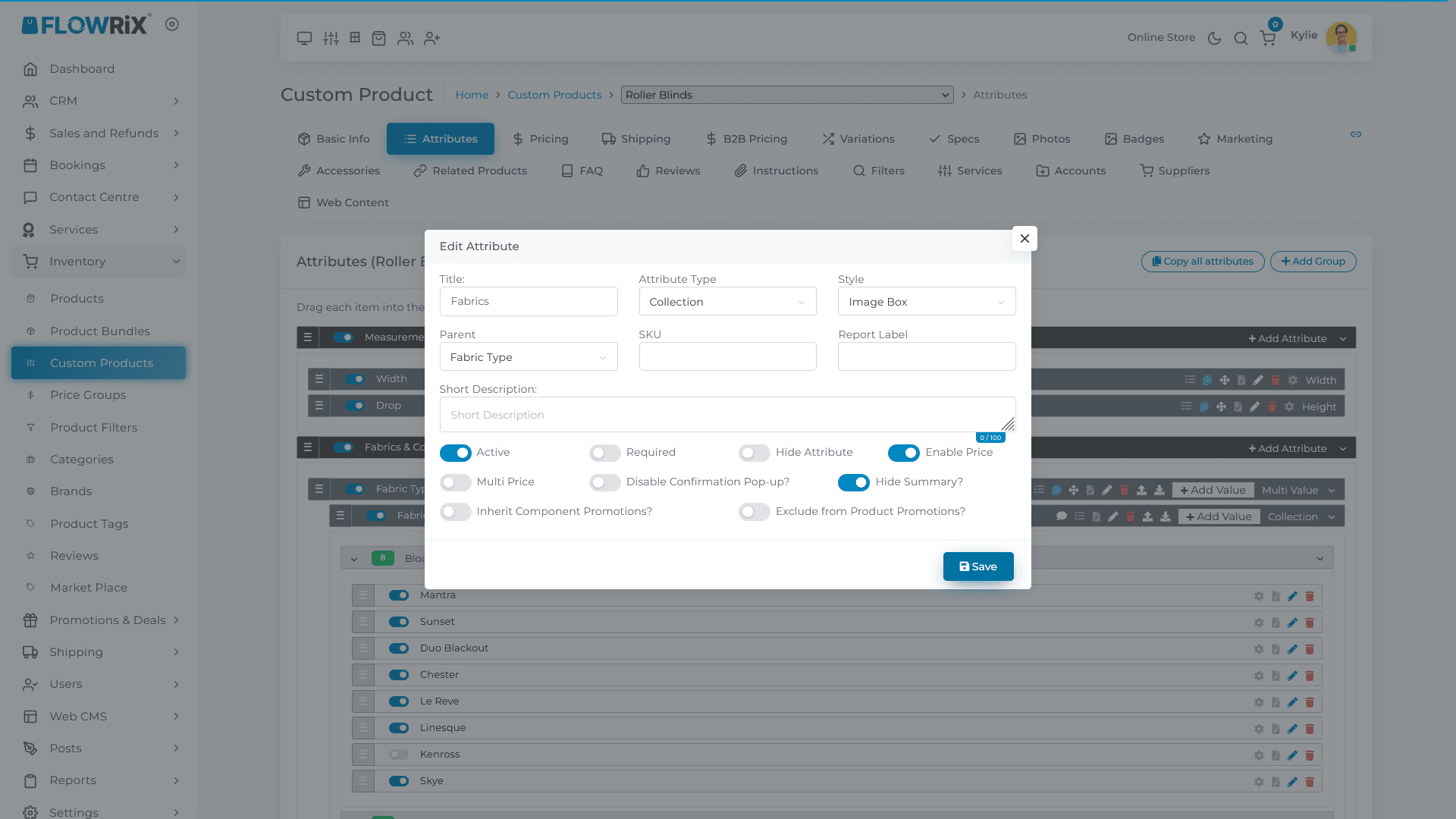
Edit Fabrics attribute
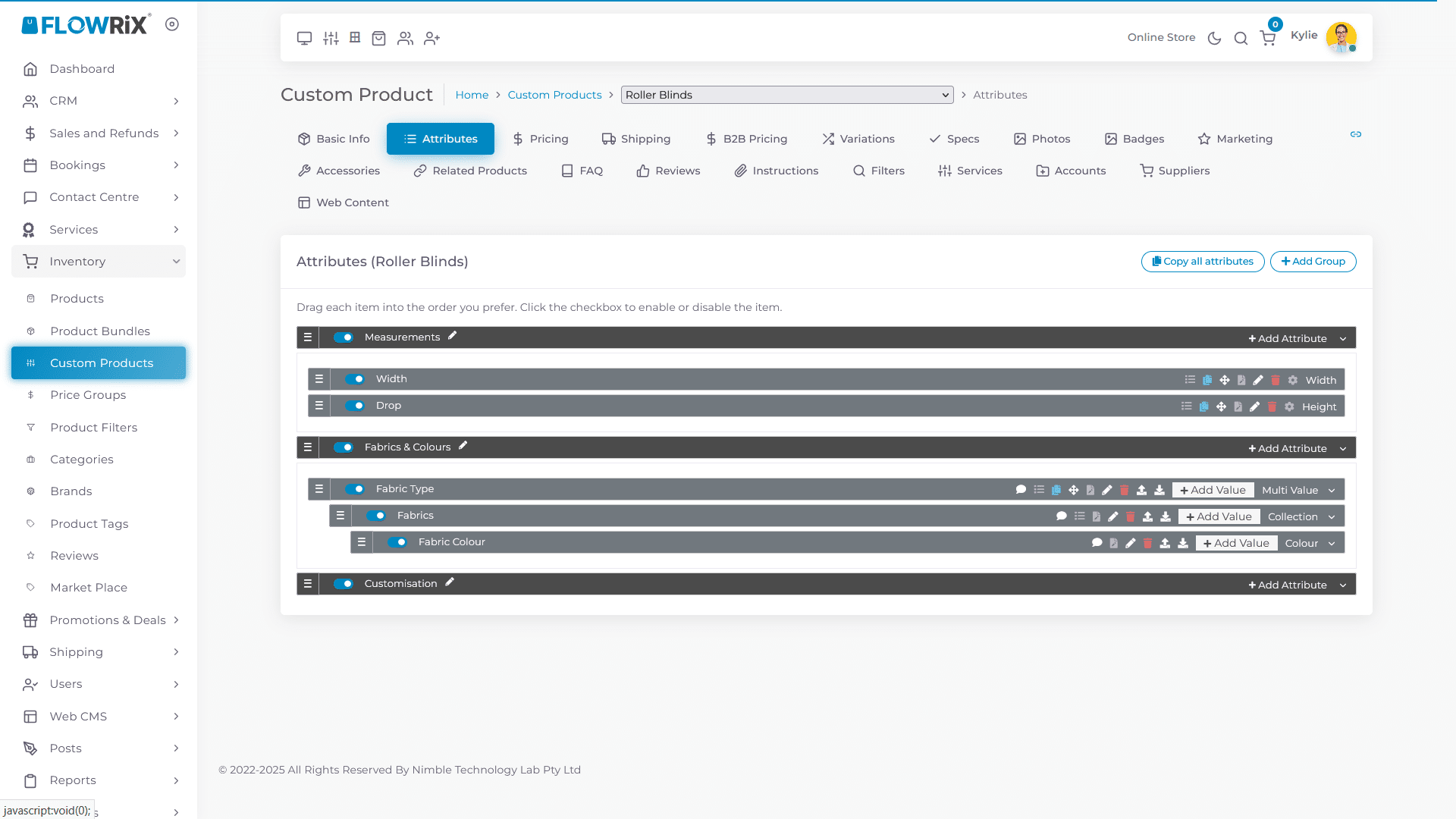
Turn on the toggle for Enable Price
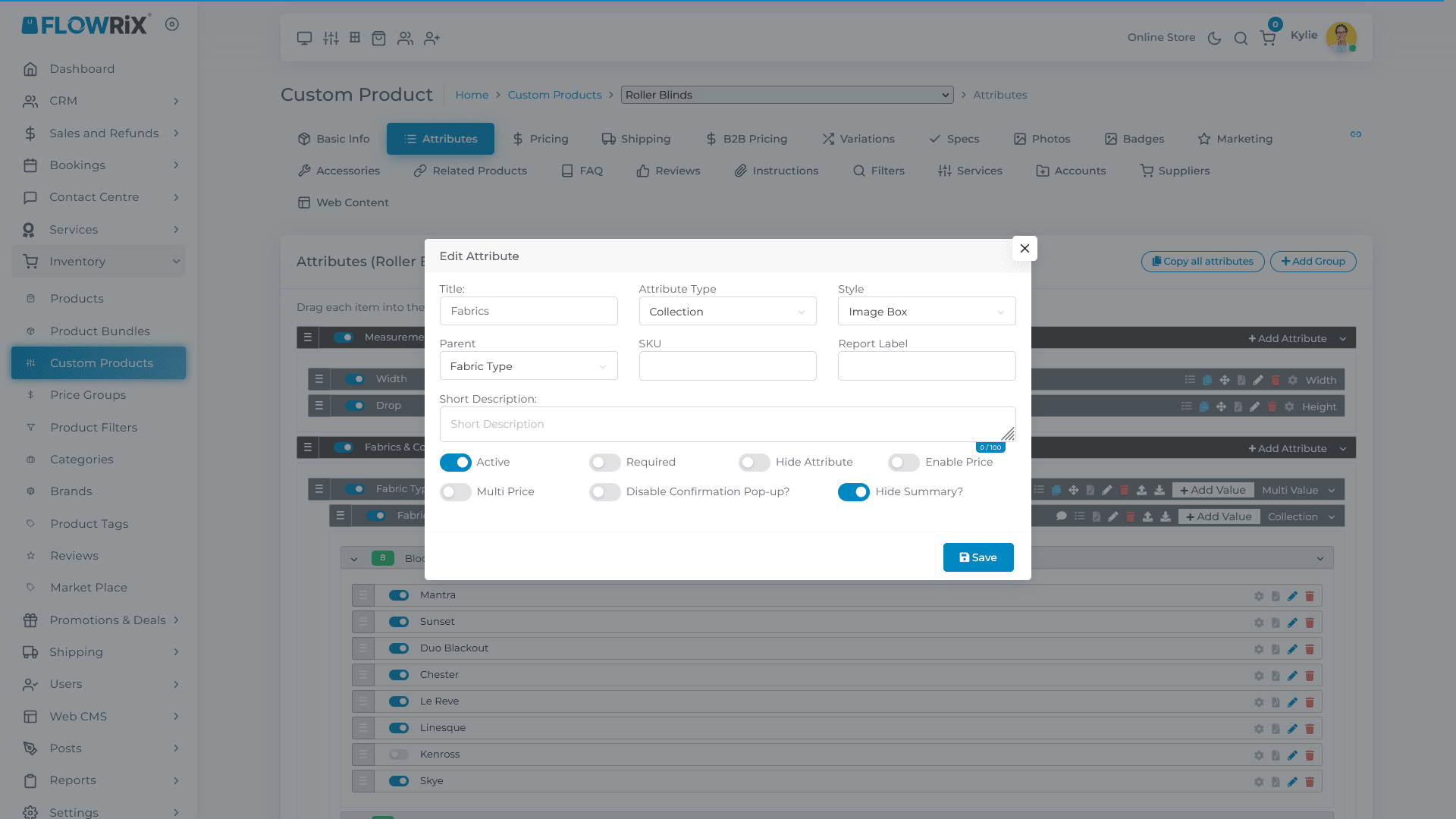
Click Save
Click on Fabric & Colour Group to close the group
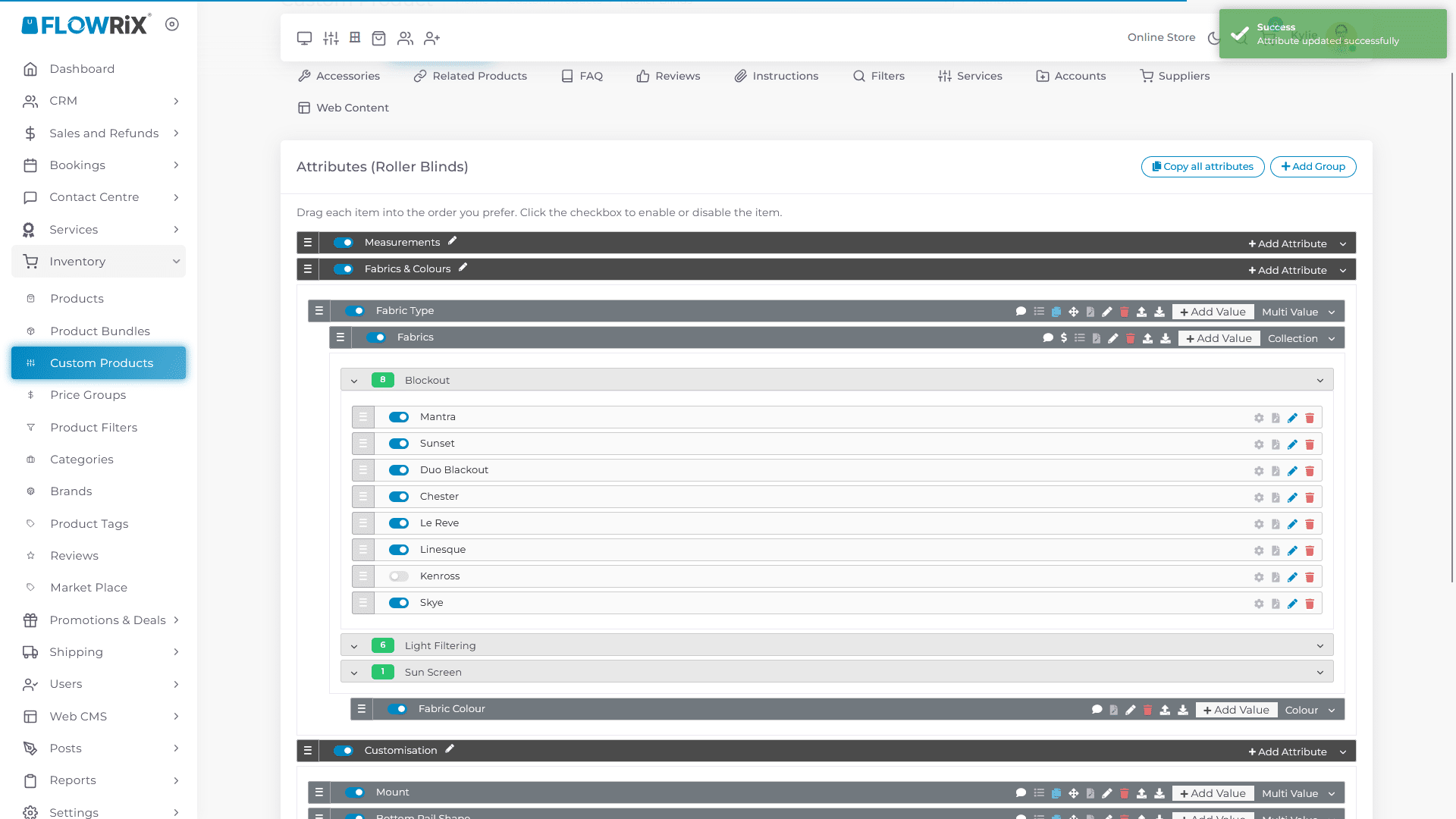
Expand Customisation Group
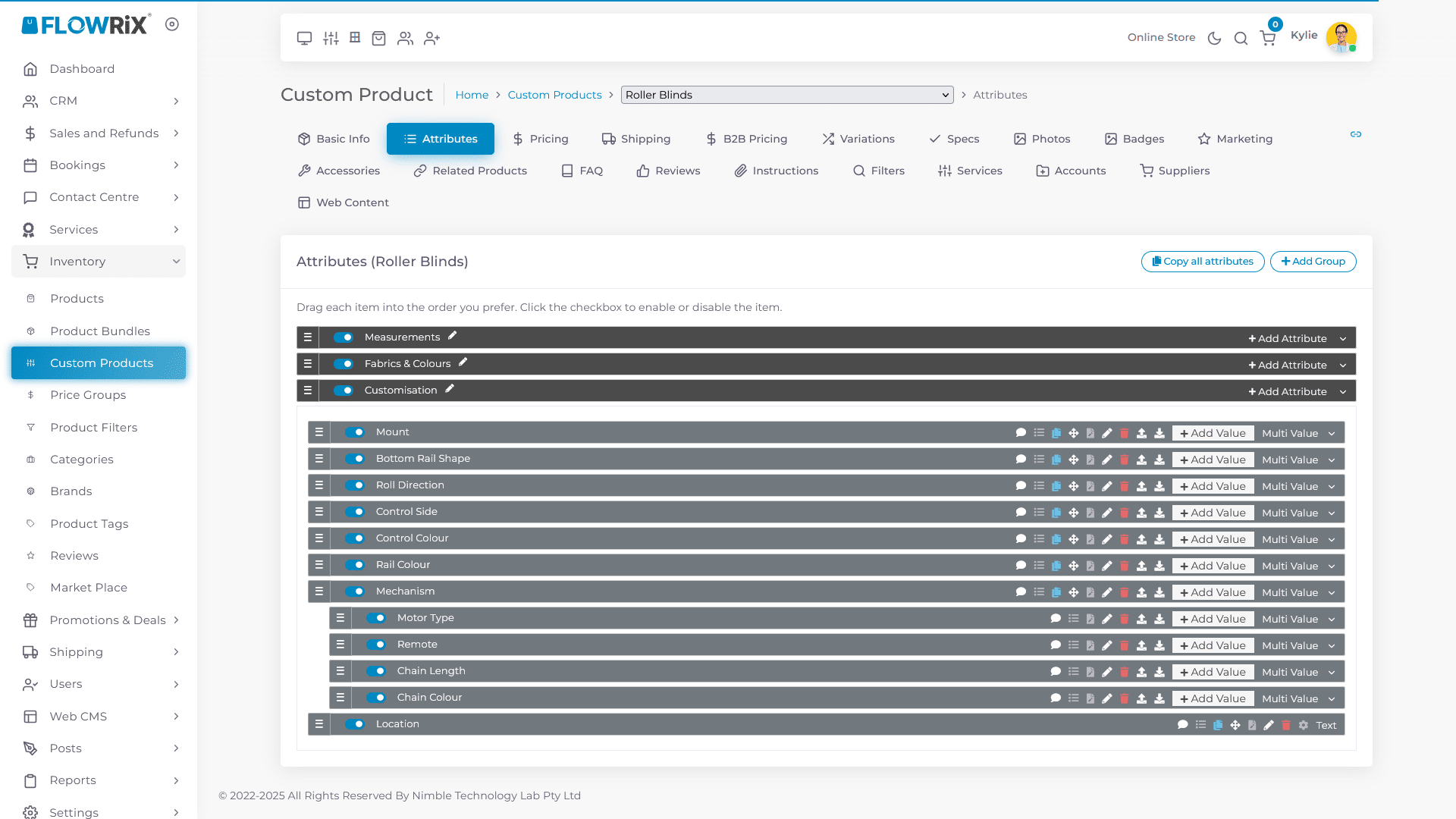
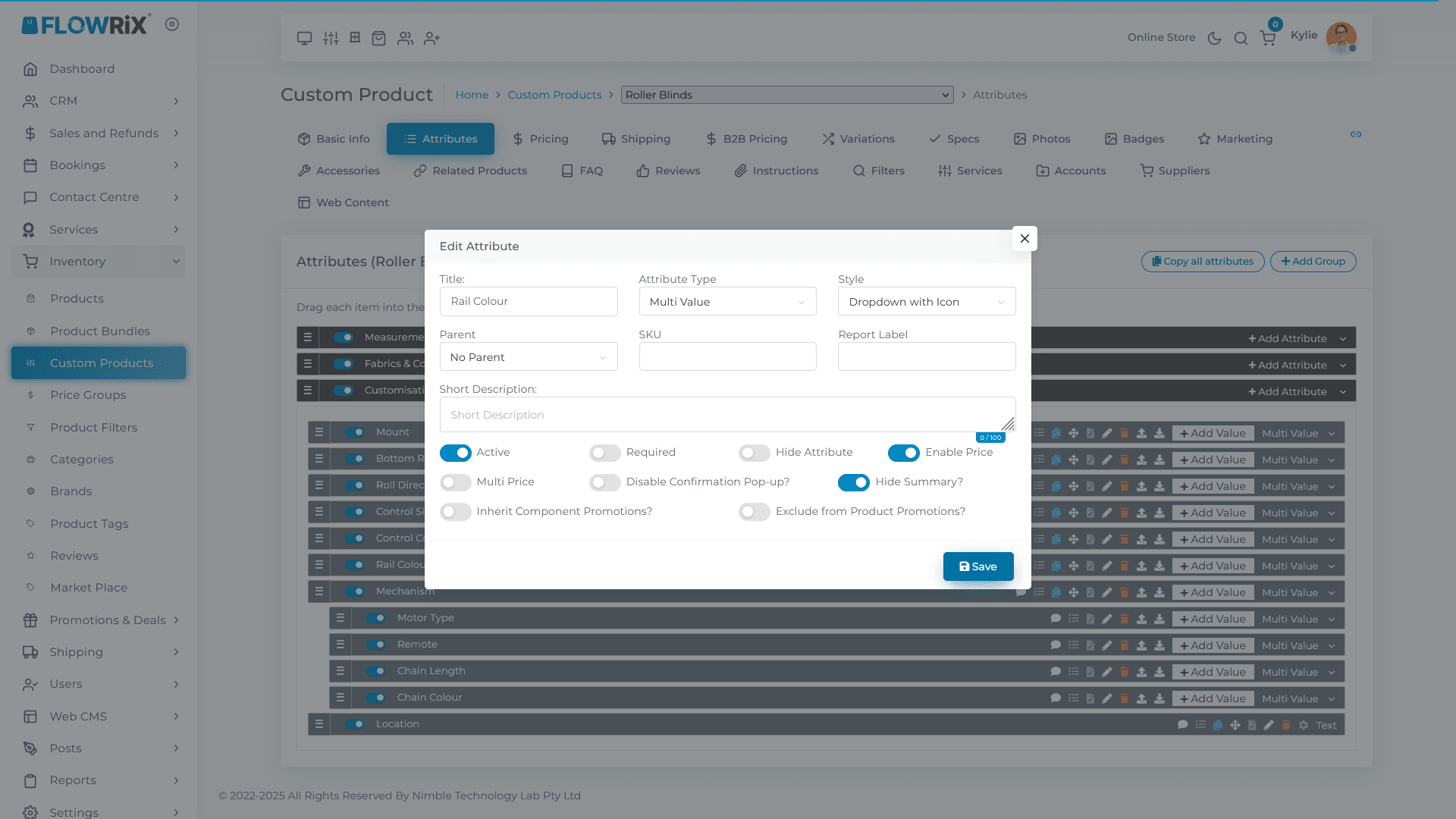
Edit Rail Colour
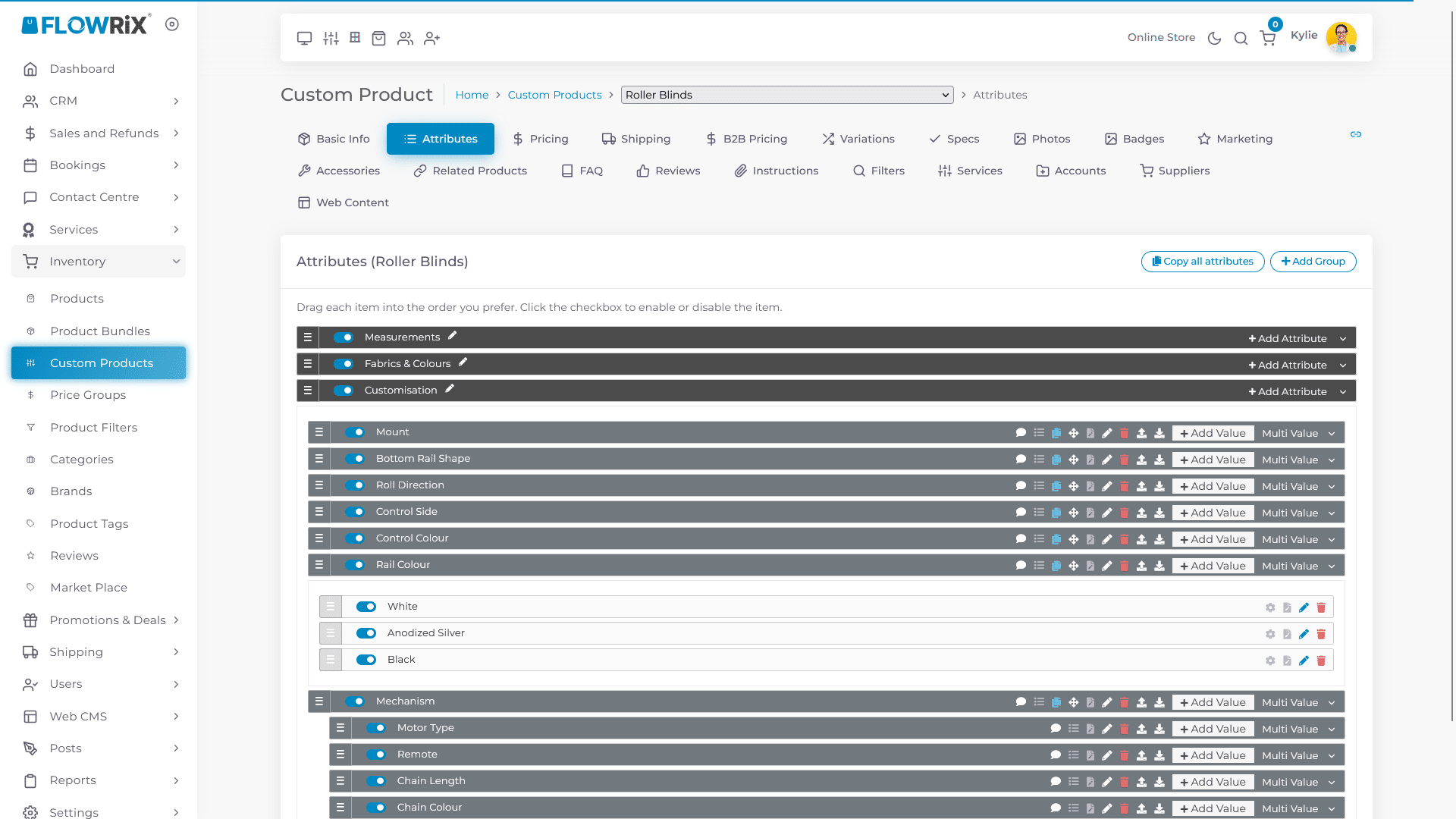
Turn on the toggle for Enable Price
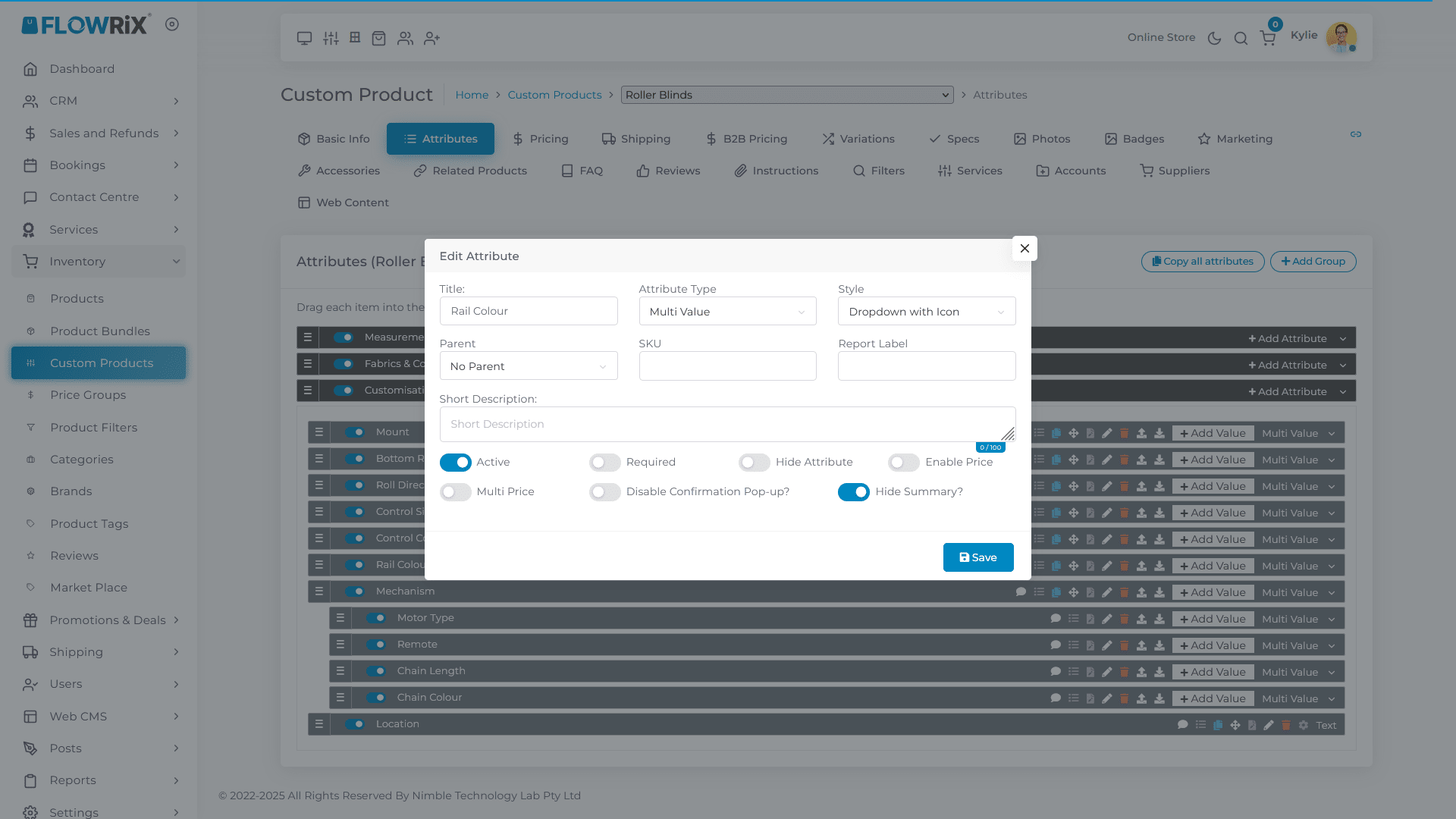
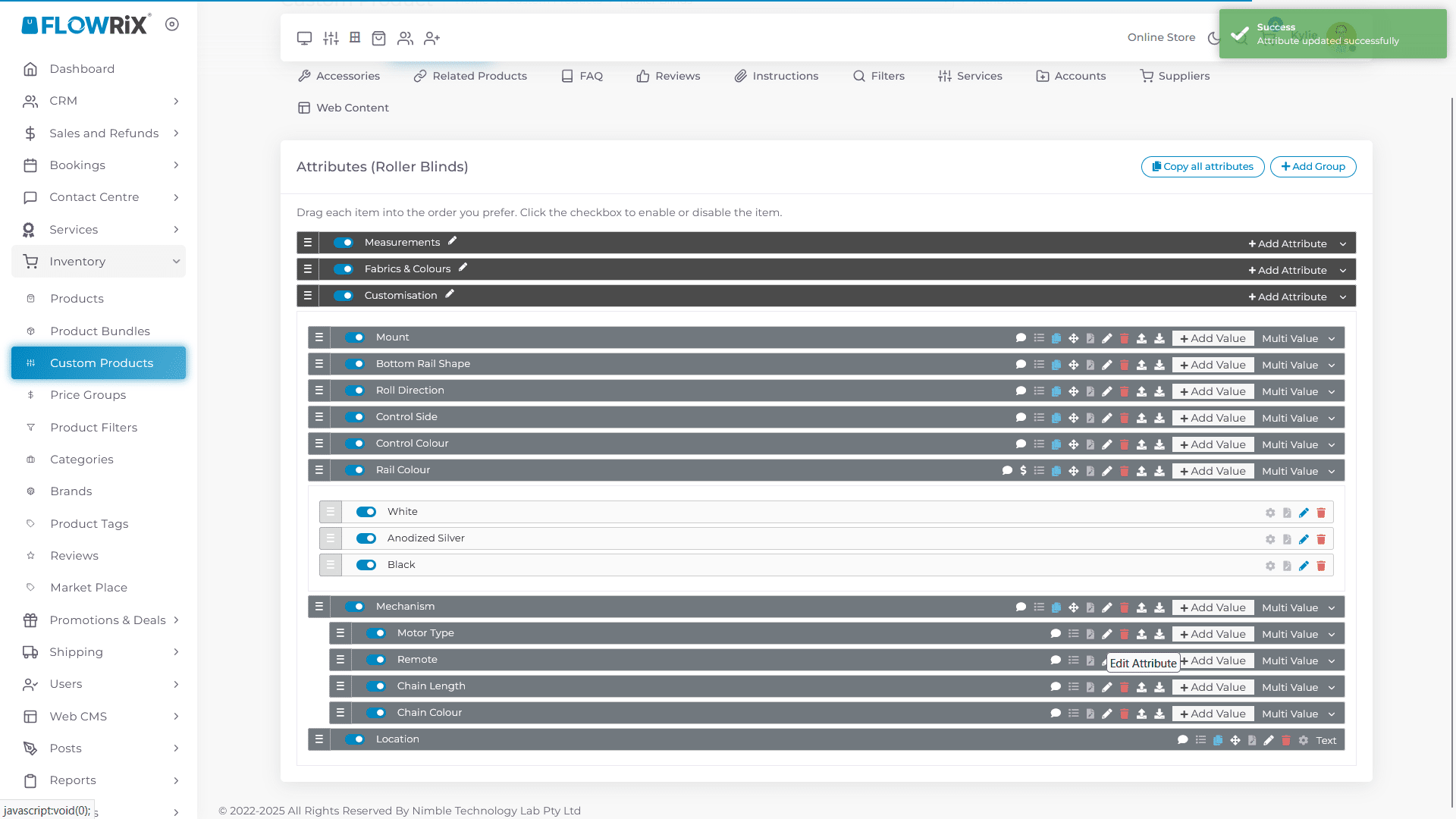
Click Save
Next, edit Motor Type
Turn on the toggle for Enable Price
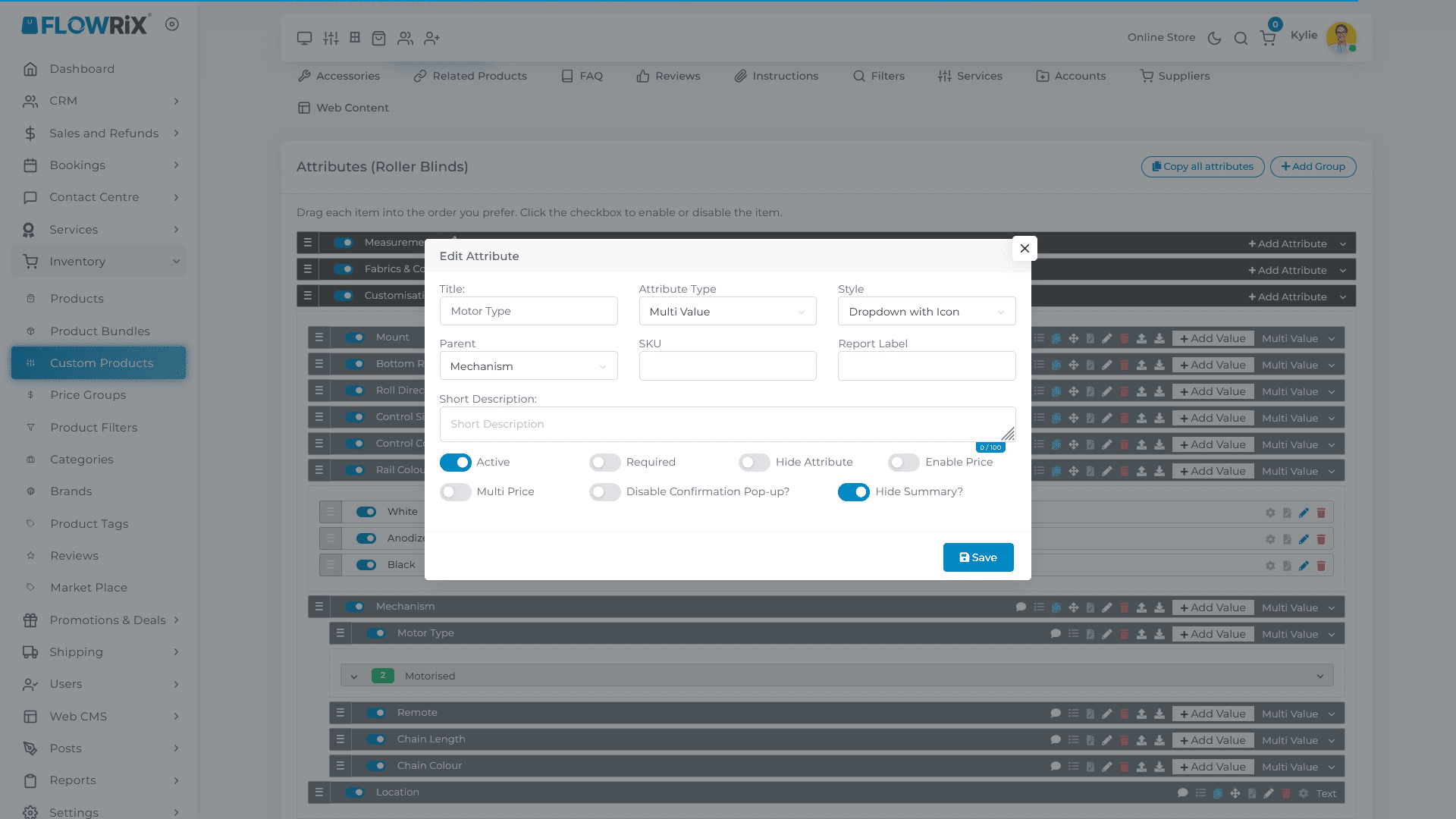
Click Save
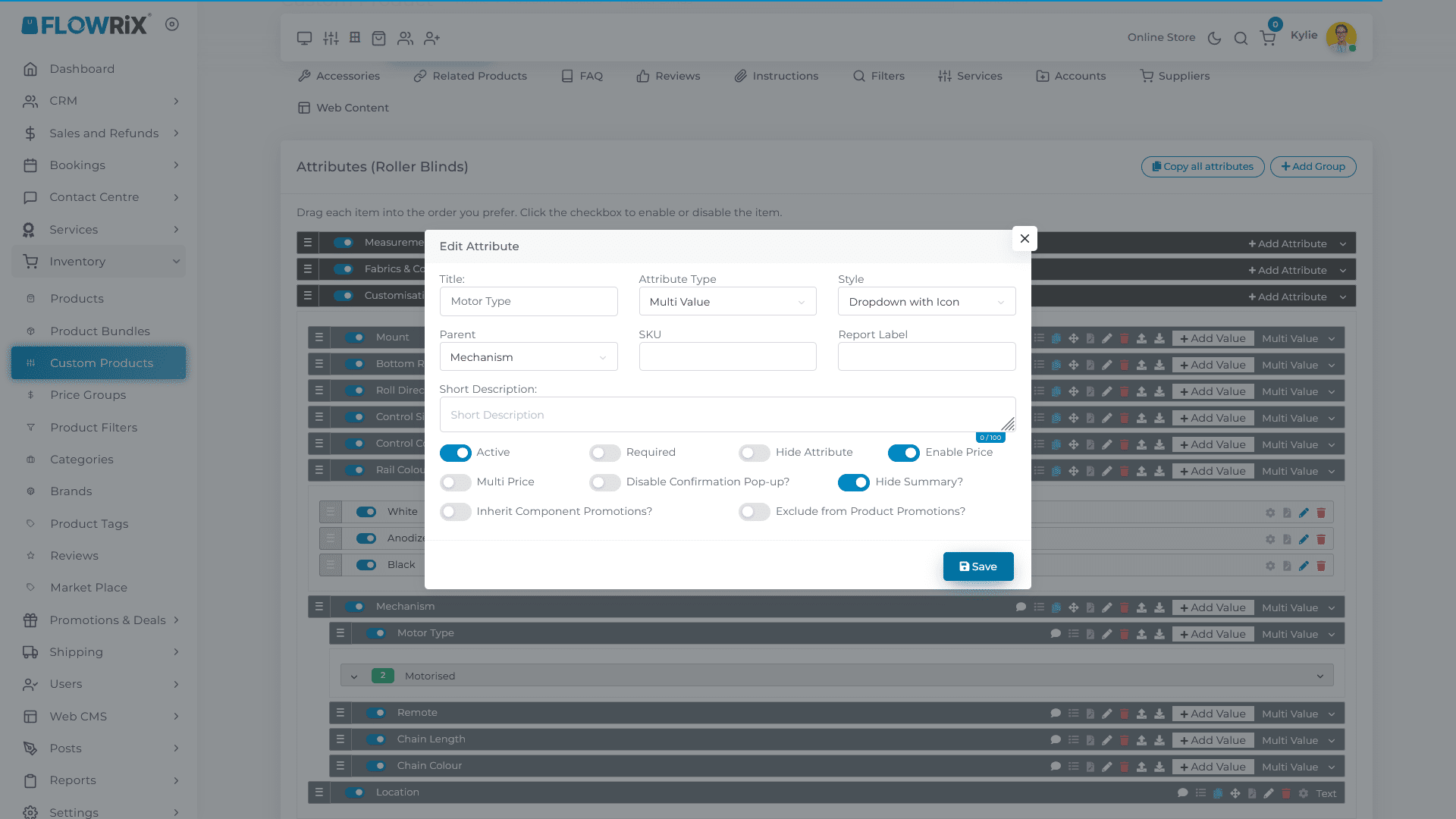
Next, edit Remote
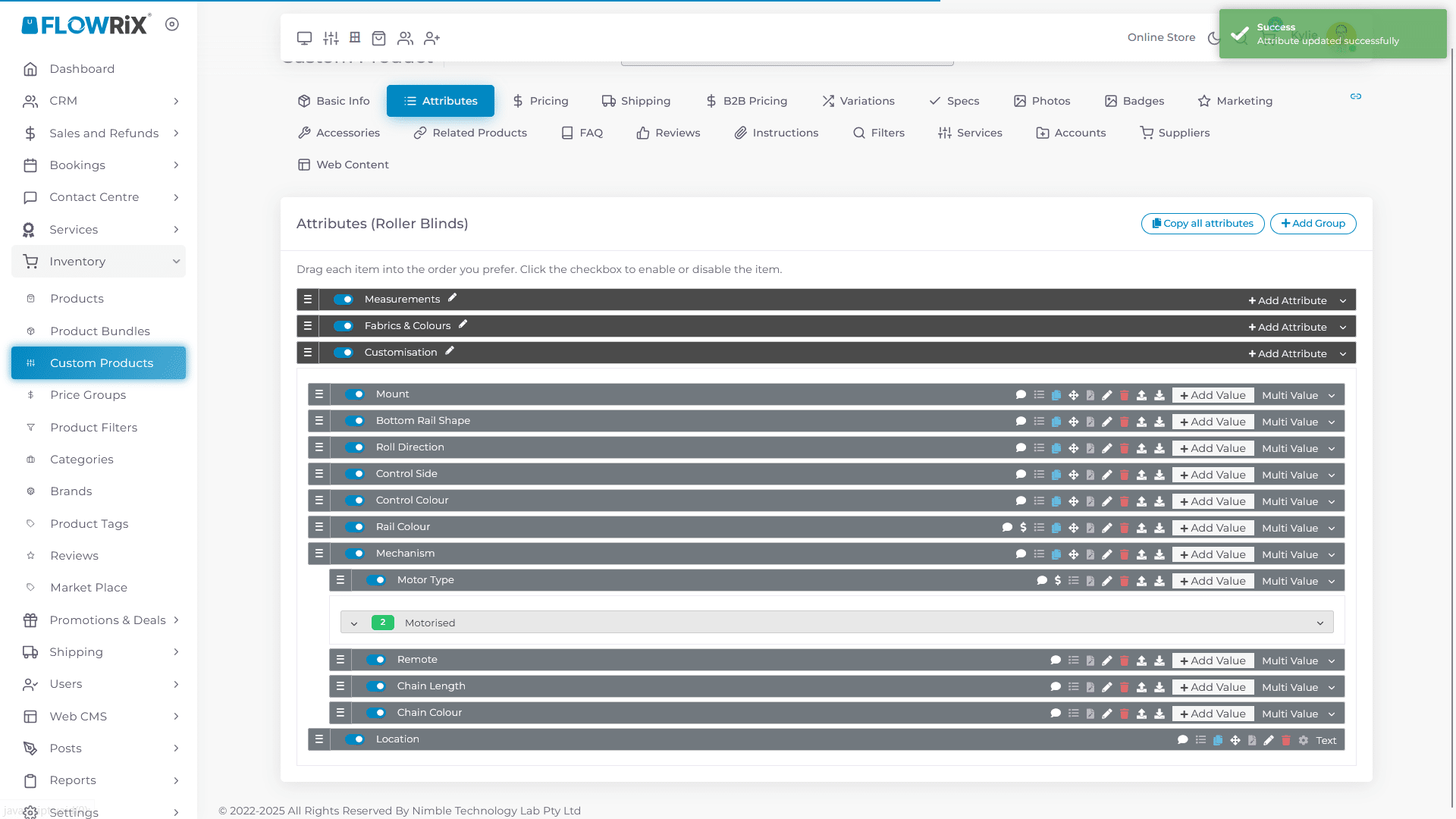
Turn on the toggle for Enable Price
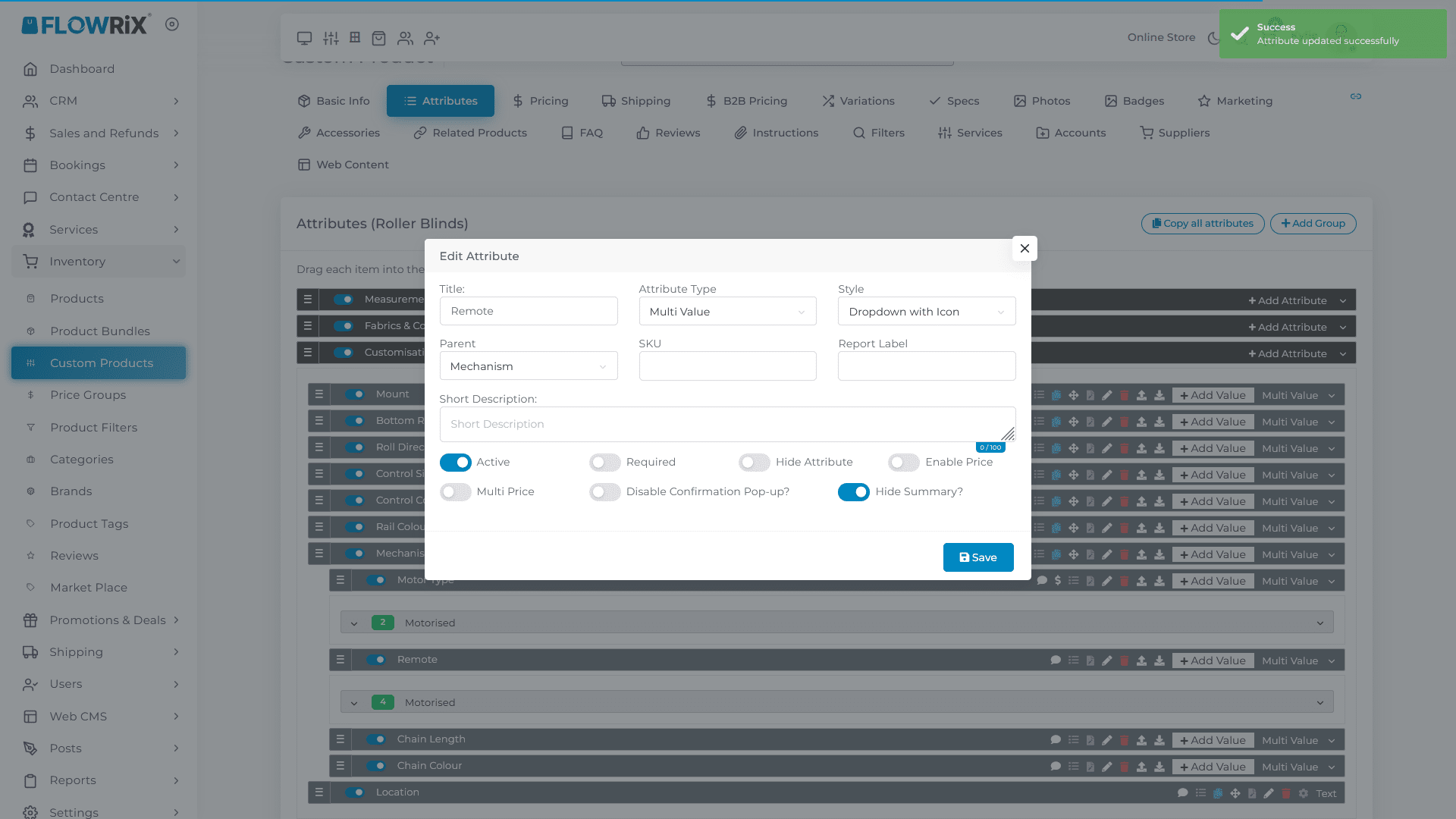
Click Save
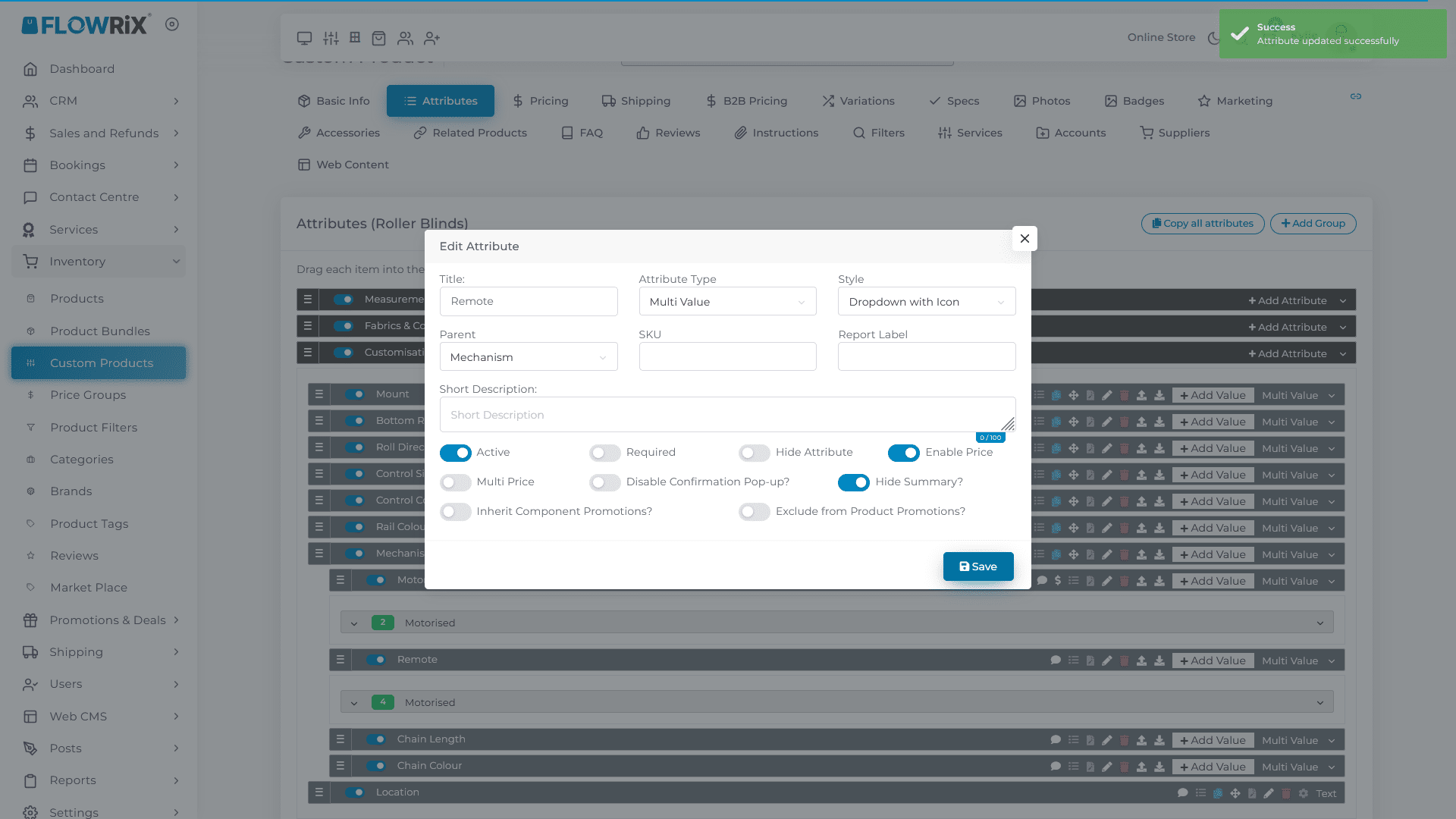
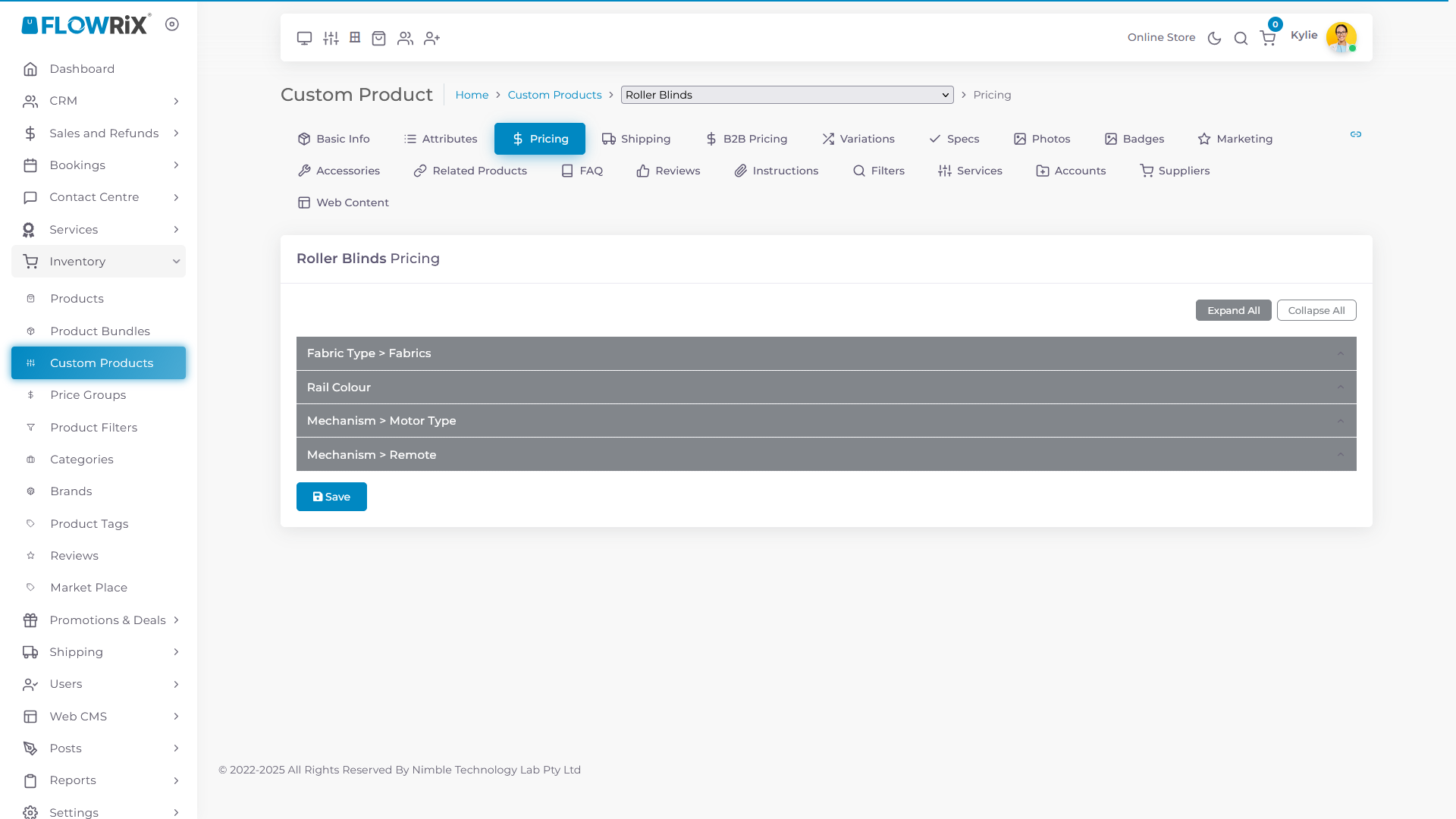
Click on Pricing tab
You can see all four attributes are now available under pricing tab
Frequently Asked Questions
- Why is it important to enable price for different attributes?
This allows you to set different prices based on the specific attributes chosen for the custom product, such as different fabric colours, rail colours, motor types, or remotes.
- How do I access the attributes to enable pricing for them?
Navigate to Inventory, then Custom Products, and select 'Edit Roller Blinds'. From there, go to the 'Attribute' tab to find and modify the attributes.
- Where can I see and adjust the prices after enabling them for the attributes?
After enabling the 'Enable Price' toggle for each attribute (Fabric, Rail Colour, Motor Type, Remote), you can view and adjust the prices for each under the 'Pricing' tab.