

How to Bulk Create and Update Custom Products (Made to Measure Products)?
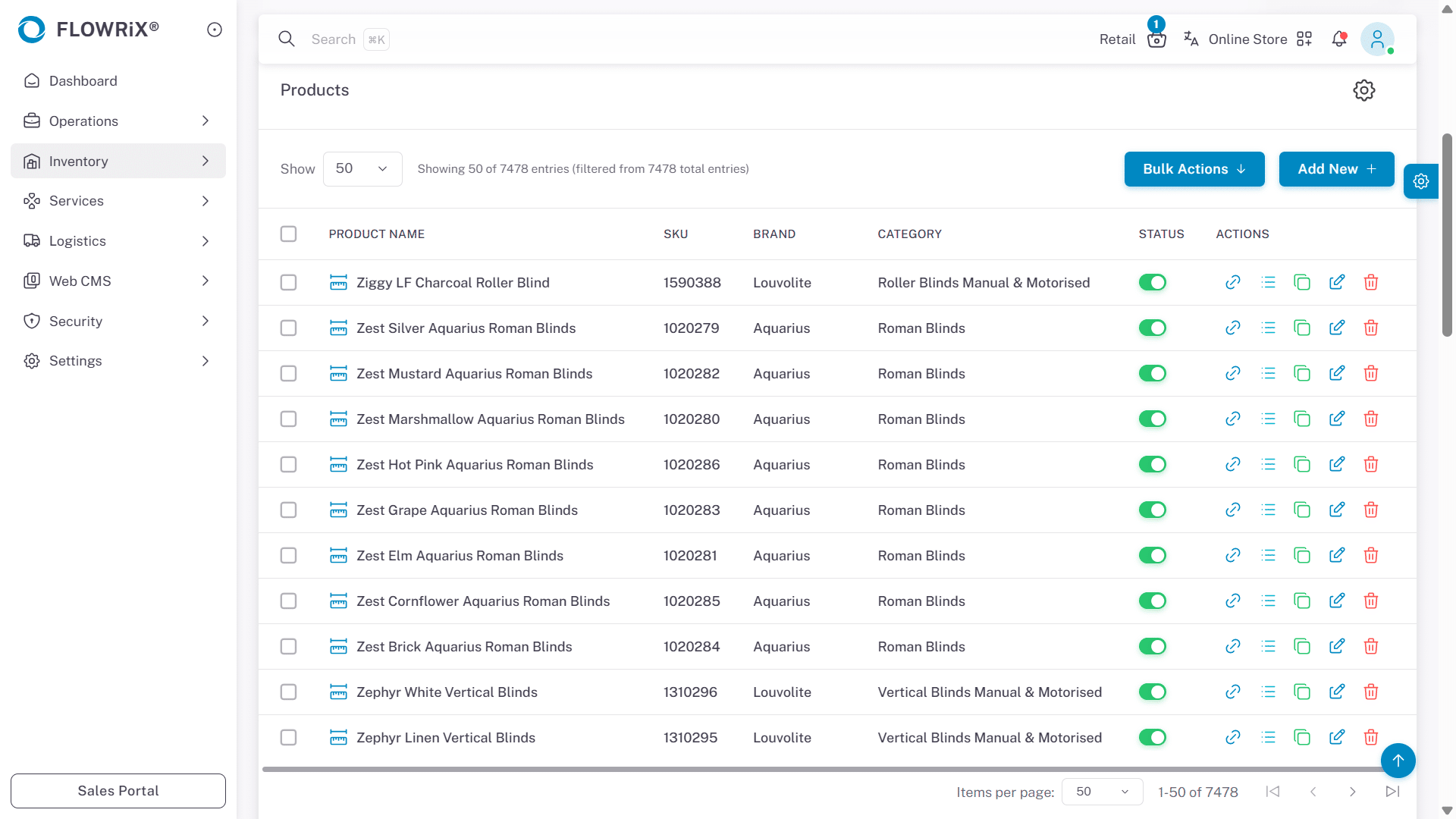
This guide explains how to bulk create and update made-to-measure (custom) products in FLOWRiX using the Bulk Import feature. It covers the product data model, including standard and expandable fields, and how to properly prepare your import file. You’ll learn how to map SKUs and categories, assign images and attributes, and maintain consistent field mapping across uploads. The guide also explains how to review import results using the job report and system status to ensure successful updates.
Feb 12, 2026●
 0
0